Buyer’s guide
How to choose marine service software
A plain checklist for a marine service business choosing job software: what to ask, what to test on a boat, and what to look for in the small print. It includes where KeelSync Service is not the right fit.
- 1Works with no signal
- 2Fast for an engineer
- 3What the customer gets
- 4Hours reach payroll
- 5Customers and boats get in
- 6Routine jobs as steps
- 7Kept against each boat
- 8The full cost
- 9Who helps you set up
- 10What it does not do
Ten questions to ask any supplier
Use them to compare any supplier, KeelSync Service included.
1Does it work with no signal?
Test it at the far end of the pontoon, not in the office. Ask exactly what works offline: opening jobs already on the phone, ticking steps, taking photos and film, logging parts. And ask what does not, which is usually getting a brand new job onto the phone.
2How fast can an engineer fill in a job?
Count the taps. If a job card is slower than the paper it replaces, engineers will not use it, and the office will be back to chasing.
3What does the customer actually get?
Ask to see a customer’s report, not a screenshot of the office screen. Does it carry your company’s name? Does it show photos or film, the parts used, and any extra work with the owner’s sign-off?
4How do the hours reach payroll?
Ask whether engineers’ hours come out as something you can pay from, or as a spreadsheet someone has to tidy up first.
5How do your customers and boats get in?
Ask whether your list of owners, boats and engines comes in from the spreadsheet you already keep, or whether someone has to retype it.
6Can you save routine jobs as steps?
An annual service should be the same list every time, and the engineer should see it before leaving the van.
7What is kept against each boat?
Ask for the service history: what was done, by whom and when, with the photos and the parts.
8What does it cost, in full?
Ask for the monthly price for your own number of engineers, whether office staff cost extra, whether setup, storage and support are included, and whether the price excludes VAT. Our guide to what marine service software costs shows how to compare.
9Who helps you set it up?
Ask who brings your lists in, and what happens when you get stuck on a Friday afternoon.
10What does it not do?
Every system has limits. Ask for them in writing, including limits on video length and storage, and whether it connects to your accounts package.
What KeelSync Service does not do
It does not issue invoices or do accounting, and it does not link to Xero, Sage or QuickBooks. If you need job costing and billing in the same system as your jobs, it is not that system.
What it covers
What the other pages on this site describe.
- Job cards built from routine steps
- The planner
- Video reports the customer opens from one link
- Extra work the owner approves
- Customers, boats and engines from a spreadsheet
What it does not cover
Said plainly, so you can plan around it.
- Invoices: not issued
- Accounting: not included
- Xero, Sage and QuickBooks: no link
- Stock on the shelf: not counted
- Service reminders: not sent
Where it asks for a signal
Once a job is open on the phone, the engineer keeps working with no signal. Ticks, notes, parts, photos, findings, film clips and time stamps are saved on the phone and sent when the signal is back. A new job needs a signal to reach the phone. Opening the app with no signal is an extra setting KeelSync switches on for your company.
Each video can be up to two minutes.
Saved on the phone, sent later
Once the job is open on the phone.
- Ticks, and crosses with a reason
- Notes and comments on a step
- Parts used
- Photos
- Findings, with their photos
- Film clips
- Time stamps
Needs a signal
Because they go to the office or to someone else.
- Handing the job in
- Previewing the customer’s report
- Sign-off on board
- Chat messages
- Get help from the office
- Adding, renaming or removing steps
- Removing a photo, clip or sent stamp
See what a customer receives
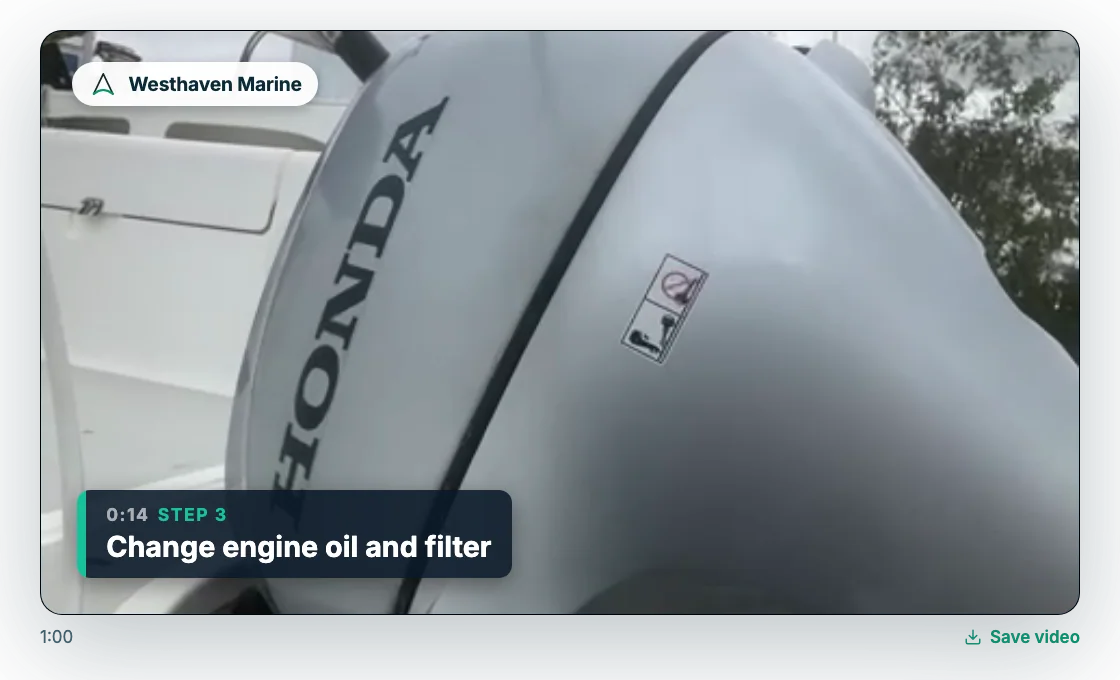
The customer’s report carries your company’s name, the work carried out in plain words, the film, every step ticked, any extra work the owner approved, what the engineer noticed and what to book next, and the parts used.
- Your company’s name
- The work carried out, in plain words
- The film
- Every step ticked
- Any extra work the owner approved
- What the engineer noticed and what to book next
- The parts used
An example, drawn for this page.
Questions about choosing software
What should marine service software do?
At a minimum: put each job and its steps on the engineer’s phone, keep working where the signal is poor, keep photos, film and parts against the boat, give the customer a report they can open from one link, and send engineers’ hours to payroll without retyping.
Do engineers need a signal to use it?
Once a job is open on the phone, the engineer keeps working with no signal. Ticks, notes, parts, photos, findings, film clips and time stamps are saved on the phone and sent when the signal is back. A new job needs a signal to reach the phone. Opening the app with no signal is an extra setting KeelSync switches on for your company.
Does KeelSync Service do invoicing?
No. KeelSync Service does not issue invoices or do accounting, and it does not link to Xero, Sage or QuickBooks.
How long can a video be, and is storage extra?
Each video can be up to two minutes. Storage is included in the price, with no fair-use rule. Videos are kept for 24 months after the report is sent, then deleted; the job record, written report and photos stay.
Try it on a real job.
Two months free for up to 10 people, setup included, no card. Put one of your own routine jobs through it and see what your engineers and your customers think.